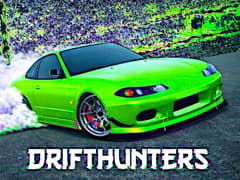
Drift Hunters
Drift Hunters


 Drift Hunters
Steer — WASD or Arrow Keys
Accelerate / Brake — W / S (or Up / Down arrows)
Handbrake — SPACE (essential for initiating drifts)
Camera Switch — C
Shift Up — Left Shift
Shift Down — Left Ctrl
Drift Hunters
About This Game
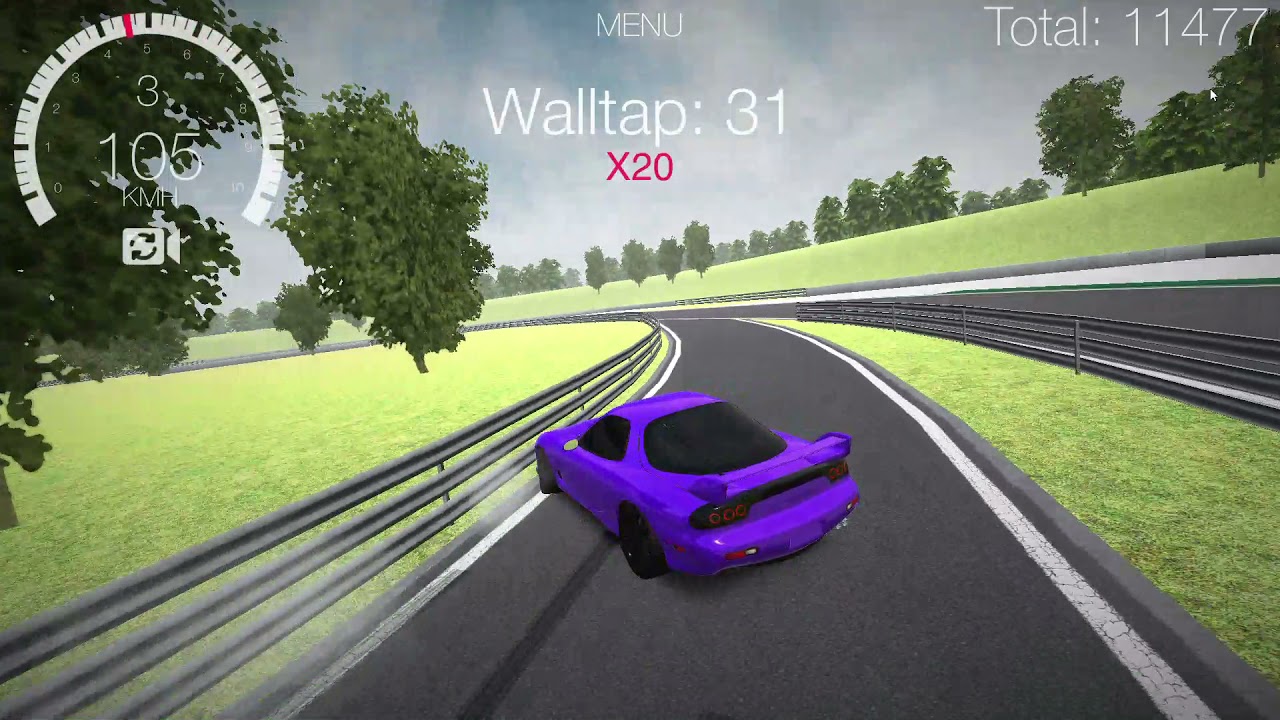
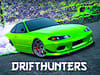
Drift Hunters is a realistic 3D drifting game where precision driving and car control are the keys to success. Step into powerful sports cars and master the art of drifting across detailed tracks. With smooth physics and responsive handling, every corner becomes an opportunity to earn points by maintaining long, controlled drifts.
The game features a wide selection of customizable cars and tuning options. Upgrade your engine, brakes, turbo, and suspension to create the perfect drift machine. As you improve your skills, you can unlock new vehicles and explore different maps designed to challenge your drifting techniques.
You start with 25,000 credits and the starter car unlocked for free. Earn more cash by chaining long, clean drifts on the 10 tracks, then spend it to unlock and upgrade the rest.
Quick Tips Players Always Ask About the Drift Hunter Cars
- Best beginner cars: AE86 → S13/S14 → S15. They teach weight transfer without punishing mistakes.
- Best all-rounder for high scores: Nissan Silvia S15 or Toyota Supra balanced power and handling.
- Most fun for big angle/long drifts: Dodge Challenger Hellcat or Ford Mustang their power lets you hold massive slides.
- Hidden gems: Honda S2000 and Mazda RX-7 feel very different from the rest thanks to engine character.
- Progression advice: Don’t buy the most expensive car first. A well-tuned cheaper car (like the S15 or Supra) often drifts cleaner than a stock GT-R or Porsche.
Tuning Tips That Actually Matter
Focus on these upgrades first:
- Turbo (for sustained power in slides)
- Suspension & brakes (for control and stability)
- Gearbox & differential (for better throttle response)
Avoid over-powering the car without balancing suspension it causes snap oversteer. Many players share that a smart tune on a cheaper car beats a maxed-out expensive one.
Basic drifting technique players want to know: Build speed, turn into the corner, tap the handbrake while counter-steering, then modulate throttle to hold the slide. Smooth inputs longer combos and higher scores. Practice donuts in open areas first!
If you enjoy driving and open-world style experiences, you should also check out:
Ultimate Flying Car A unique driving game where cars can transform and fly, offering both road and air exploration.
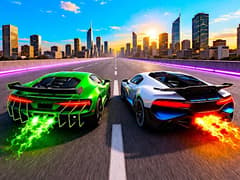
Night City Racing A fast-paced city racing experience with stylish cars and competitive gameplay.
How to Play
Steer — WASD or Arrow Keys
Accelerate / Brake — W / S (or Up / Down arrows)
Handbrake — SPACE (essential for initiating drifts)
Camera Switch — C
Shift Up — Left Shift
Shift Down — Left Ctrl
Frequently Asked Questions
Yes, you can play Drift Hunters unblocked on gameVgames directly in your browser.
Chain long, clean drifts on the City outer loop or Docks without crashing. Consistency gives more points than risky moves.
After the free AE86, unlock the Nissan 240SX (S13) or S15. They teach proper drifting without punishing mistakes.
Too much engine power without balancing suspension and brakes. Upgrade handling parts together with power.
Enter the corner with speed, tap handbrake, counter-steer opposite to the slide, and feather the throttle to hold the angle. Smooth inputs = higher scores.
The browser version on gamevgames.com works best with keyboard on PC. Mobile versions have touch controls and updated physics.
The browser version works on some mobile browsers but feels best with keyboard on desktop. Official mobile apps offer smoother updated physics and easier controls.
Gameplay Video